Quick facts
- The machineAny working laptop or tablet you already own; wiped, updated, encrypted, then sealed
- Documents
- IDs
- deeds
- titles
- insurance
- medical records
- prescriptions
- contacts
- account list
- photos of everything you own
- Reference
- Offline maps of your region
- this site's PDFs
- repair manuals
- first aid references
- the book
- BatteryStore at 50 to 80 percent, powered off; boot and top up every six months
- ProtectionFaraday bag, unplugged, closure fully sealed; blocks EMP, RF and tracking
- PickFaraday Defense JACKET Pro Cordura laptop bag, magnetic closure
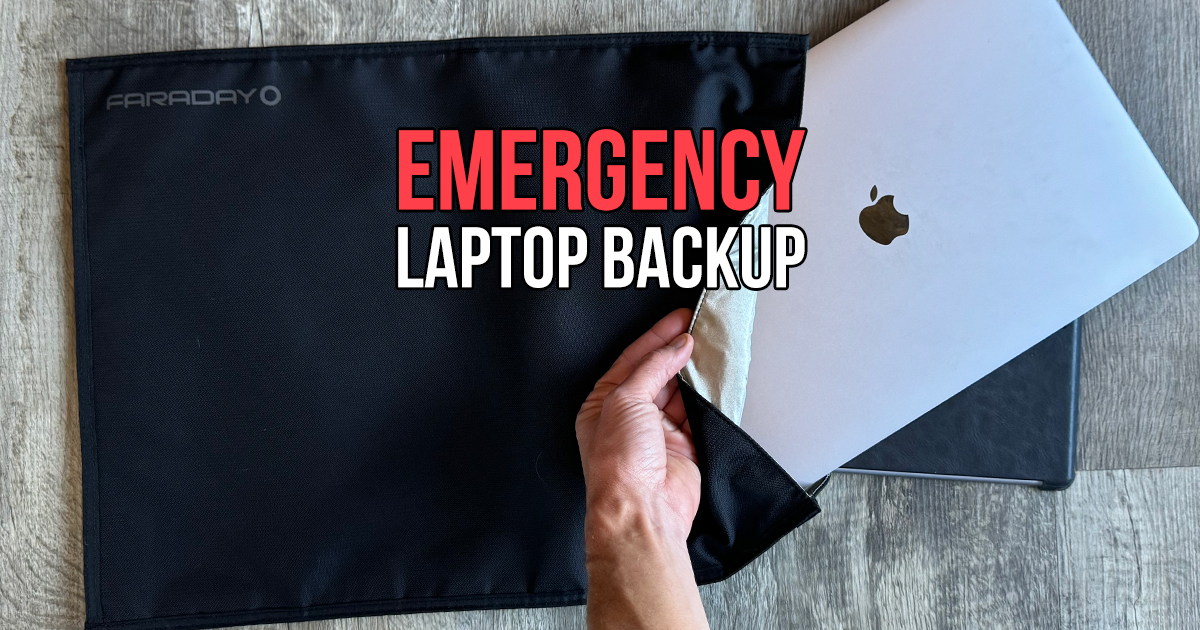
Every household has a laptop in a drawer that still works and is too slow to bother with. That laptop is the best preparedness tool in the house, and it costs nothing. Wiped, loaded with every document, map, manual and file you would need with the internet gone, powered off and sealed in a shielded bag on a shelf, it's the copy of your life that survives the things that take out the primary: a lightning strike through the router, a ransomware attack, a house fire in the other room, a flood, or an EMP. This is what goes on it and how it is kept.
What it is protecting against
What goes on it
Plain folders with plain names, so anyone in the family finds things by flashlight. Every file opened once after copying to be sure it's on the drive and not a cloud placeholder.
Setting it up so it boots in three years
Power bank: EcoFlow RAPID Pro X
In the bag with the laptopA laptop with a dead battery and no wall is the same as no laptop. This bank has a 140 W USB-C port, which charges any USB-C laptop at the speed its own brick does, plus two 65 W ports for the phones at the same time. 27,650 mAh is 99.5 Wh: about one full laptop charge or four to six phone charges, and under the 100 Wh airline carry-on line. It has a screen for the charge state, refills from any 100 W USB-C charger or a PD solar panel, and weighs 1.5 pounds. Store it at 50 to 80 percent like the laptop and top it up at the six-month boot check.
An old iPad or Android tablet does the same job with a longer battery and a smaller bag: documents in the Files app, PDFs in Books, offline map areas saved in the map app, movies and audiobooks downloaded, every one opened once with the wifi off to be sure it is on the device. Powered off, 50 to 80 percent, bagged with its cable.
The case
A Faraday bag is a conductive shell that carries a pulse or a radio signal around the outside of whatever is inside. It only works closed: a gap at the seal, a cable through the opening, or a device still plugged into the wall defeats it. That is why the laptop goes in unplugged and off, and why the closure gets rolled and sealed the same way every time.
Faraday Defense JACKET Pro Cordura laptop bag
The one on my shelfA laptop-sized shielded liner in a Cordura shell, with a magnetic roll closure that seals reliably without thinking about it. Blocks EMP, RF, cellular, wifi and Bluetooth, so it doubles as a privacy bag for a phone or a drive. Sized for a full laptop with the charger.
The no-cost version is a steel ammo can: laptop wrapped in a towel so it touches no metal, lid on, seam taped. Heavier and it does not go in a pack, but it works. The Faraday electronics bag is the radios, power and drives that live in the bag next to this one, and the portable SSD is the second copy of the documents that rides in the truck.
Questions this answers
Tap a question for the short answer.
What files should I keep on an emergency laptop?
Scans of every document you would need to prove who you are and what you own: IDs, passports, birth and marriage certificates, deeds, titles, insurance policies, medical records and prescriptions, tax returns, and photos of every room and valuable for an insurance claim. A contact list and an account list. Offline maps of your region. Reference: the PDFs from this site, the book, repair manuals for the generator, the well pump and the vehicles, first aid references. Then the things that keep people sane: music, movies, books, games for the kids. All of it in plain folders you can find in the dark.
How do I protect a laptop from an emp?
Unplug it, power it off, and seal it in a Faraday bag with the closure fully shut. The bag is a conductive shell that carries the pulse around the outside; a gap, a cable through the opening, or a device left plugged into the wall defeats it. A laptop that is off and unplugged in a sealed bag is about as safe as electronics get; a metal ammo can with the lid taped and the laptop insulated from the walls does the same job for less. It stays in the bag until you need it.
What is the best faraday bag for a laptop?
I use the Faraday Defense JACKET Pro Cordura laptop bag: a laptop-sized shielded liner inside a tough Cordura shell with a magnetic roll closure that seals every time. It blocks EMP, radio and cellular, so it also works as a privacy bag for a phone or a hard drive. A cheaper option that works is a steel ammo can with the laptop wrapped in a towel so it touches no metal and the lid sealed; it's just heavier and uglier.
What should I put on an ipad for emergencies?
The same list as the laptop, in the apps that open offline: the document scans in Files, offline maps downloaded for your region in a maps app, PDFs of the field guides and manuals in Books, medical references, the contact list, and enough movies, music and books to get a family through a week with no signal. Download everything while you have internet, open each one once to be sure it's stored on the device and not in the cloud, then power it off and put it in the bag with its charging cable.
Should I keep offline maps on my laptop?
Yes, and on the phone and the tablet too. Download the map tiles for your county and every route you would drive out, at street level, from whichever map app you use; most let you save an area for offline use. Add topographic maps for the land around you and a PDF of the state road atlas. Then print the ones that matter, because the whole point of the backup laptop is that something went wrong, and paper does not need a charge.
How do I store a laptop long term without ruining the battery?
Charge it to 50 to 80 percent, shut it down fully (not sleep), and keep it cool and dry; a lithium battery stored full or empty in heat ages fastest. Every six months take it out, boot it, install any updates while you have internet, refresh the files, charge it back to 50 to 80 percent, shut it down and reseal it. A laptop treated this way boots in five years. One left at zero in a hot attic will not.
Do I need to encrypt the backup laptop?
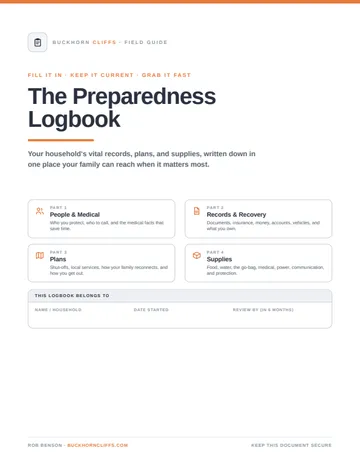
Yes, because it holds every document that makes identity theft easy, and a stored laptop is the easiest thing in the house to carry out the door. Turn on full-disk encryption (FileVault on a Mac, BitLocker or device encryption on Windows), set a strong login password, and write that password on paper in the household logbook or a sealed envelope, because a locked backup with a forgotten password is a paperweight. Keep a second copy of the most important files on an encrypted drive in another building.
How do I charge the backup laptop when the power is out?
From a power bank with a USB-C port rated 100 W or more, kept in the Faraday bag with the laptop. The EcoFlow RAPID Pro X has a 140 W port, so it charges a laptop at full speed, and its 99.5 Wh is about one full laptop charge or four to six phone charges. After that, a power station or a folding solar panel with a USB-C PD output refills the bank. Store the bank at 50 to 80 percent and top it up at the same six-month boot check as the laptop.
What I use for this
Gear from my recommended list
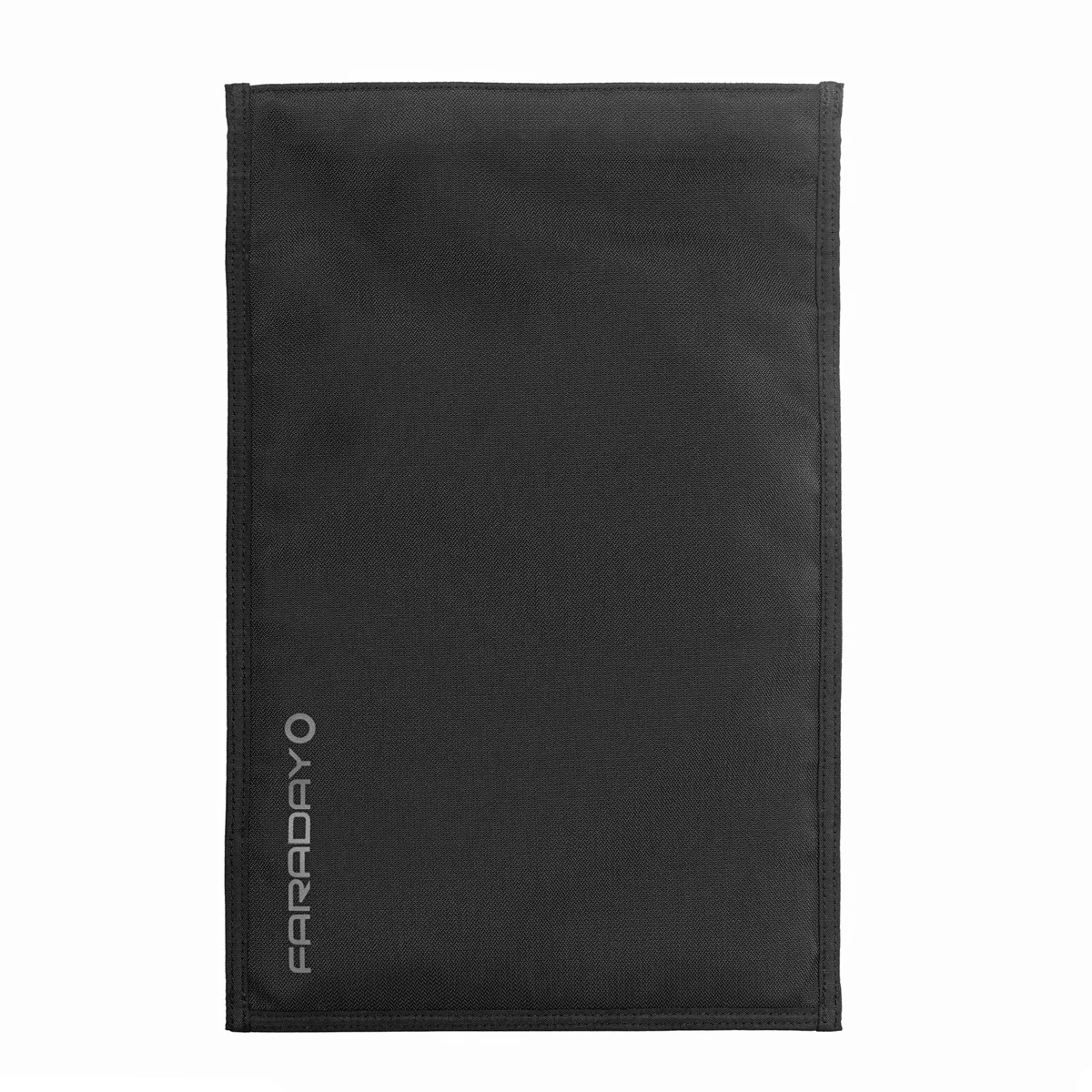 Faraday DefenseFaraday Defense JACKET Pro CORDURA Laptop Bag9.5 x 13 inches, with a 14 x 17 XL$89.99optionsAbout, at shop.faradaydefense.com, checked 17 days ago
 Faraday DefenseFaraday Defense JACKET Pro CORDURA Phone BagThe tougher phone bag with a magnetic closure$47.99optionsAbout, at shop.faradaydefense.com, checked 17 days ago
Keep going
Related to this
Membership · $49.95 per year
There is a lot more behind the lock
Every recipe and resource from the Prepper's Chemical Survival Guide, all eleven field guides to read here and download, the full audit and logbook, all twelve reference charts, and no ads.
My Manual · included
Build your own field manual
The most useful thing a membership gives you. Save any page on this site, recipes, charts, and whole field guides included. Arrange them in the order you want, name it, and print one manual with a cover and contents, or keep it as a PDF that opens with no signal.
- It works when this site does not
- Only your pages
- Anyone in the house can use it
- One current copy, not a pile of printouts
- The house binder
- A copy for the bug-out bag or truck
- A copy for family
- An offline PDF





Stay Ready
New entries, updates, and useful instruction.
Stay one step ahead on your preparedness journey.