Quick facts
- DriveSanDisk Extreme Portable SSD, hardware encrypted; the basic model is not, so encrypt the files yourself
- PhotosEvery room wide, every item close, serial numbers, the item in place in your home
- Also on it
- IDs
- insurance policies
- deeds
- titles
- wills
- prescriptions
- medical records
- receipts
- contacts
- ProtectionFaraday jacket inside a fireproof bag, unplugged
- Copies
- Computer
- this drive
- an encrypted cloud
- a duplicate drive off site
- RefreshTwice a year, and after any big purchase
After a fire or a flood, the insurance company asks one question over and over: prove it. What was in the house, what it was worth, and that it was yours. The people who get paid in full are the ones who can answer with photos and paper; the ones who argue for a year are the ones working from memory. This is the two-hour job that settles it, and the same drive that holds the photos holds the documents a family needs on the worst day: the policies, the deeds, the prescriptions, the contacts. Then three copies, so no single disaster takes them all.
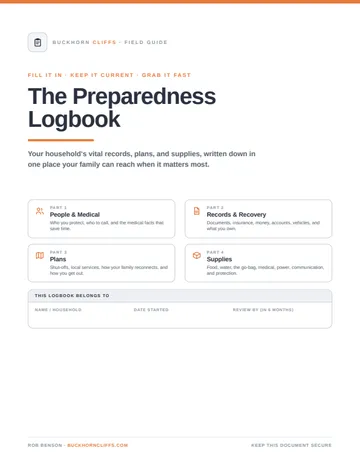
This guide pairs with the Preparedness Logbook, the printed version of the same records, and both belong to the self-managed insurance plan.
Photograph the house
Proof of ownership, identity and condition: the item from more than one angle, the make, model and serial number, the item in your home, and a receipt or card statement for the expensive things. High-resolution JPEG or PNG, not a format that needs special software. Folders by room, so the living room claim is one folder.
The documents that go with it
The photos are for the claim. The rest of the drive is for the week after, when you are in a motel with a phone and need the policy number, the pharmacy, the deed.
Add the child identification sheet for each child, current photos included, and the records that protect you in a dispute. Keep a printed copy of the medical summary and the contact list with the drive; a phone with a dead battery cannot read a drive.
The drive, and how it is stored
SanDisk Extreme Portable SSD
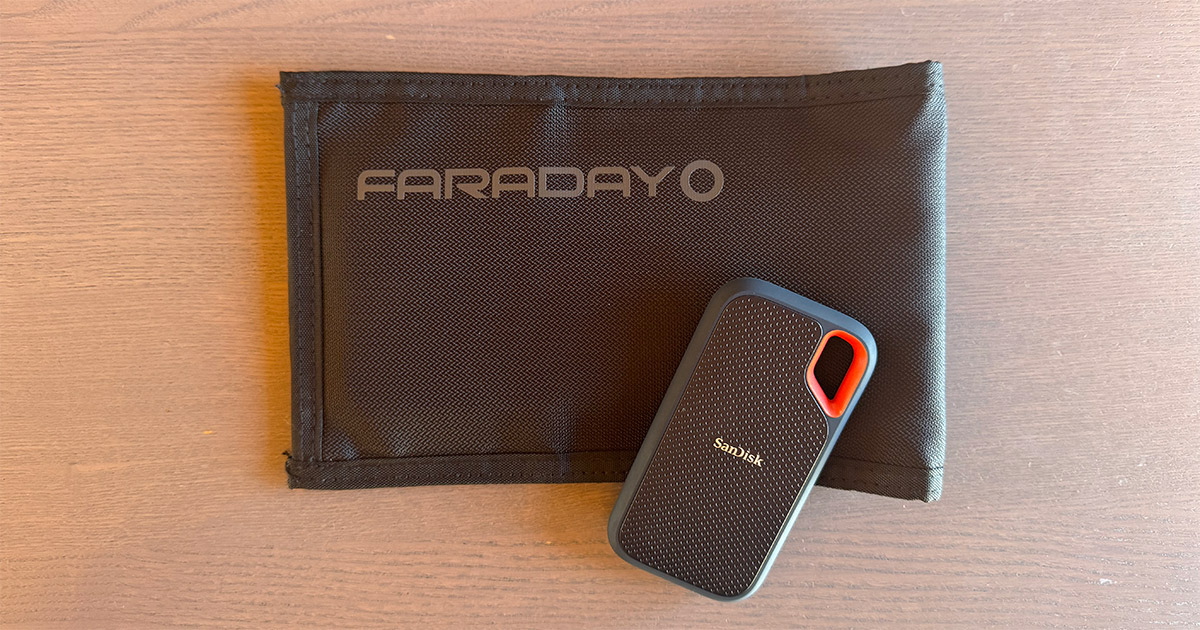
The drive · buy the Extreme, not the basicSolid state, no moving parts, shock resistant, the size of a credit card, and it plugs into a phone as well as a computer so the photos go on it the same afternoon. The Extreme model has hardware encryption behind a password; the basic SanDisk portable SSD does not list it, so either buy the Extreme or encrypt the files yourself, because this drive holds your identity documents and it should be unreadable to whoever finds it. One terabyte holds every photo and document a household will produce.
Faraday jacket inside a fireproof bag
The storage · unplugged, by the doorThe Faraday jacket is a sleeve of conductive fabric that blocks a strong electromagnetic field from reaching the drive. A nuclear pulse is the one realistic threat to a small unplugged drive; a solar storm hits the grid through long lines and transformers, not a drive in a bag. The jacket does nothing for a surge that arrives through a cable, which is why the drive lives unplugged. The fireproof document bag around it handles the far more likely fire and flood, and the whole thing sits by the door with the bug-out bag so it leaves with you. The Faraday bag guide covers what the bag does and does not do.
Three copies, three places
Twice a year, when the clocks change: copy the computer to the drive, swap the off-site drive for the fresh one, and open a few files on each to be sure they still read. Photograph anything big you bought since. A backup nobody has tested is a hope, not a backup; the backup laptop guide covers keeping a machine that can read the drive when the house computer is gone.
The checklist
- Every room wide, every drawer and closet open
- Every item over $100 close, with serial number and in place
- Garage, shed, attic, vehicles, supplies
- Walk-through video with the date
- Receipts and warranties for the expensive things
- IDs, insurance, deeds, titles, wills, directives
- Medical summary and contacts, also printed
- Child ID sheets
- Drive encrypted, in the Faraday jacket, in the fireproof bag, by the door
- Second copy off site, third on the computer
- Refreshed twice a year
Questions this answers
Tap a question for the short answer.
How do I document my belongings for an insurance claim?
Walk the house with a phone in one afternoon. In each room: a wide shot from the door, a wide shot from the opposite corner, then every drawer, closet and cabinet open. For anything worth more than a hundred dollars, a close-up, the serial number, and a shot of it in place in your house. Add a slow walk-through video narrating what you see. Put it all in folders by room on a portable SSD, with the receipts you can find. It takes two hours and it is the difference between a full claim and an argument.
What documents should I back up for an emergency?
Scans of driver's licenses, passports, birth certificates, Social Security cards, marriage certificate; home, auto, health and life insurance policies with the policy numbers and the claim phone numbers; deeds, titles, mortgage and loan papers; wills, powers of attorney and medical directives; prescription lists, immunization records and a one-page medical summary per person; recent tax returns; a contact list; and the home inventory photos. Photos of the emergency supplies too, for the same claim.
What is the best portable drive for emergency document backup?
A rugged solid state drive with no moving parts, small enough for a fireproof bag. I use the SanDisk portable SSD; buy the Extreme model, which has hardware encryption and a password, because the basic model does not, and a drive full of your identity documents should not be readable by whoever finds it. A terabyte holds every photo and document a household will ever produce.
How do I protect a hard drive from an emp?
Keep it unplugged in a Faraday jacket, a bag of conductive fabric that blocks the field from reaching it, inside a fireproof document bag. A nuclear pulse is the only realistic threat to a small unplugged drive; a solar storm hits the grid through long lines, not a drive in a bag. The jacket does nothing for a surge that comes through a cable, which is why the drive lives unplugged. The Faraday bag guide covers the rest.
What photos do insurance companies want for a claim?
Proof you owned it, what it was, and its condition: the item from more than one angle, a close-up of the make, model and serial number, and a photo of it in place in your home so it's clearly yours and not a catalog picture. Receipts or credit card statements for the expensive things. A dated walk-through video covers condition better than anything, and adjusters accept it.
How many backups of important documents should I keep?
Three, in three places. The computer at home, which is the working copy. The portable SSD in the Faraday jacket and fireproof bag by the door, which leaves with you in an evacuation. And a duplicate drive or an encrypted cloud account somewhere else, a relative's house in another town, so a fire or flood that takes the house takes one copy at most. Refresh all three twice a year.
How do I take a home inventory video?
Start at the front door with the date said out loud. Walk every room slowly, panning wide, then open every closet, drawer and cabinet and say what is in it: 'top drawer, my watch, my wedding ring, the camera.' Turn over anything with a serial number. Do the garage, the shed, the attic and the vehicles. Fifteen to thirty minutes for a normal house. One video, one date, the whole house.
What I use for this
Gear from my recommended list
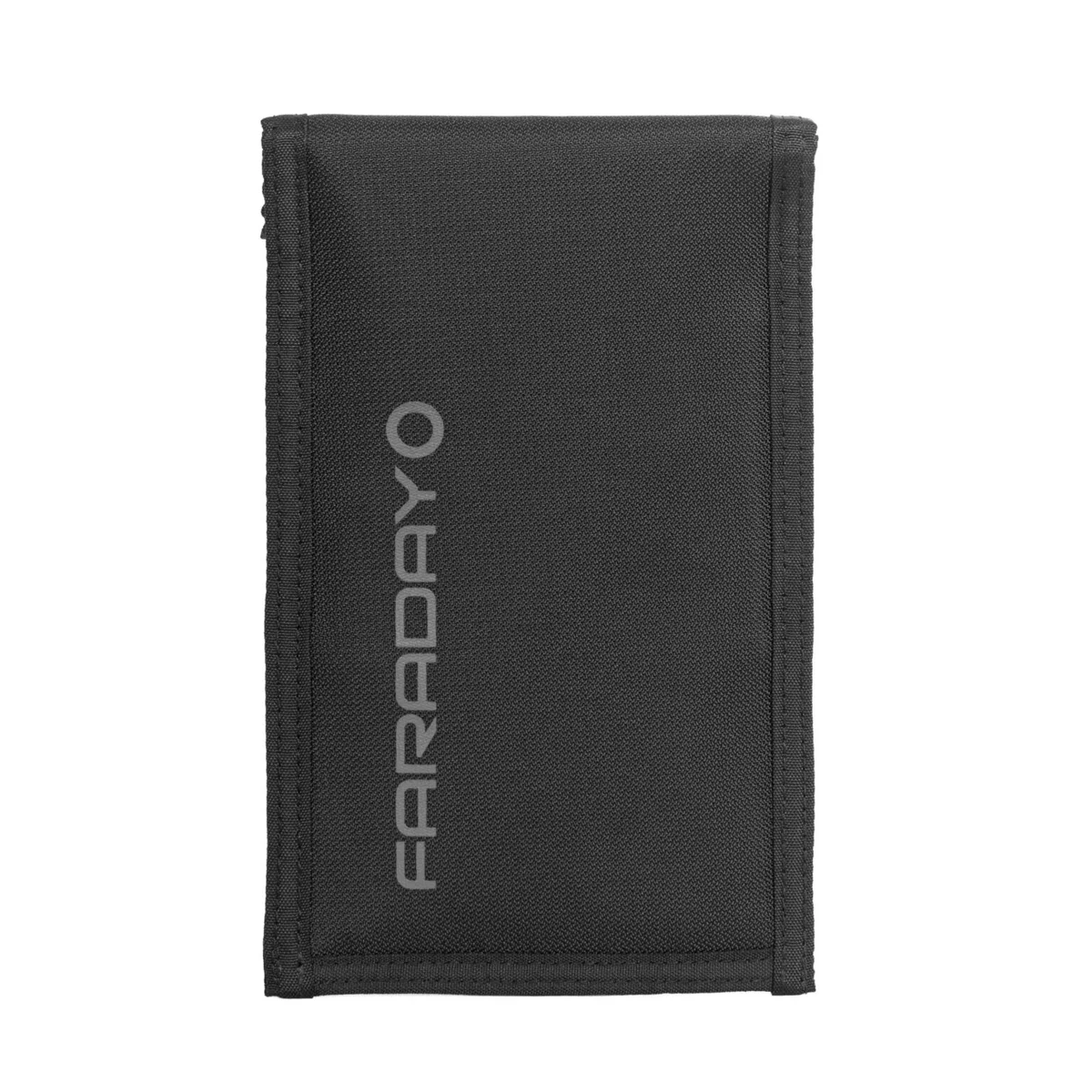 Faraday DefenseFaraday Defense JACKET Pro CORDURA Phone BagThe tougher phone bag with a magnetic closure$47.99optionsAbout, at shop.faradaydefense.com, checked 18 days ago
Keep going
Related to this
Membership · $49.95 per year
There is a lot more behind the lock
Every recipe and resource from the Prepper's Chemical Survival Guide, all eleven field guides to read here and download, the full audit and logbook, all twelve reference charts, and no ads.
My Manual · included
Build your own field manual
The most useful thing a membership gives you. Save any page on this site, recipes, charts, and whole field guides included. Arrange them in the order you want, name it, and print one manual with a cover and contents, or keep it as a PDF that opens with no signal.
- It works when this site does not
- Only your pages
- Anyone in the house can use it
- One current copy, not a pile of printouts
- The house binder
- A copy for the bug-out bag or truck
- A copy for family
- An offline PDF
Stay Ready
New entries, updates, and useful instruction.
Stay one step ahead on your preparedness journey.